AuraCloud® 3D Basic
An Inneractive product for aura and chakra-style visual sessions. Review the configuration and requirements for this package.
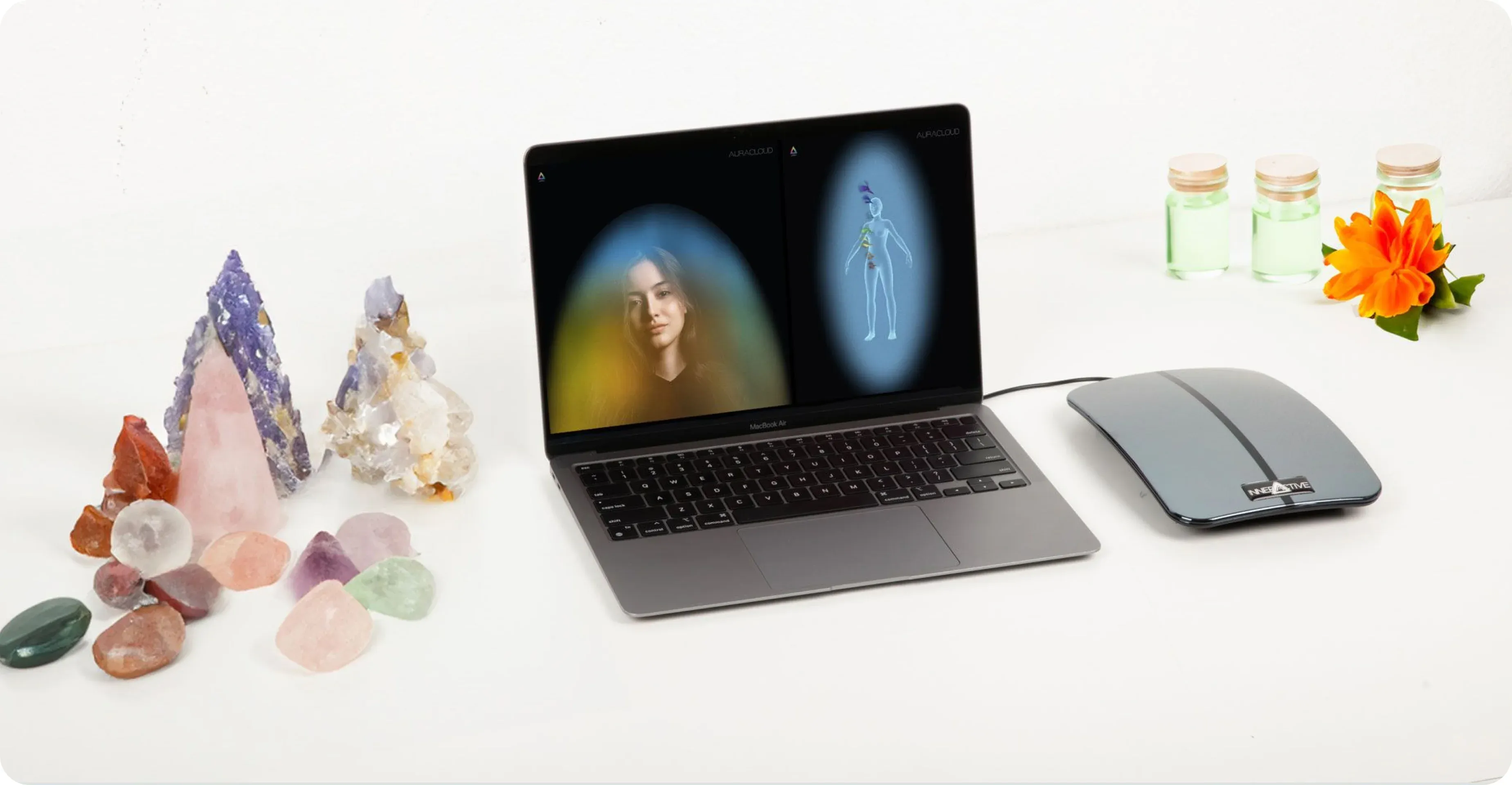
Computer not included.
Plan your visual sessions
Match the intended session to your setting and operator workflow. Review the product demonstration and written specifications before deciding.
Understand the workflow
Follow the instructions for the selected software, sensor and camera setup. Explain the visual presentation and leave time to discuss it with participants.
Put the imagery in context
When comparing systems, look at how aura and chakra symbolism is presented on screen and in any reports. Choose a format you can explain clearly and that suits the conversations you plan to offer.
Confirm the package
Request an itemized quote identifying the software version, hardware, accessories and support included.
Software to confirm

AuraSim 3D
Ask about the available visualization options in the quoted version.

AuraGraph 3D
Ask which graph and report views are available in the quoted version.

AuraScript
Ask which interpretation and text-report options are available.

AuraVid
Ask about the on-screen video presentation in the quoted version.
Hardware to confirm

Zensen Sensor
Confirm the compatible sensor model and its operating instructions.

Logitech HD Web Camera
Confirm the camera model and computer compatibility.
Pricing
Request pricing for the exact product and configuration shown on this page. Ask for included items and any additional requirements.
Upgrade Options
Tell us which product and software version you own. We can explore available upgrade options, compatibility requirements and pricing with you.
Questions before choosing
Confirm the exact product, software version, itemized contents and computer requirements in the written offer.
Compare current feature lists and quoted contents for each configuration against the sessions you plan to offer.
Introduce the color associations, invite questions and leave room for the participant's own interpretation.
Ask about available options for the product and version already owned, including compatibility, eligibility and price.
Ask about this product
Ask about product fit, the current package or setup requirements. Existing owners should identify their product and version when requesting help.