AuraMachine
Compare Aura Systems
Choose a visual-session workflow with a clear understanding of the product, setup and package. Explore AuraCloud® 3D from Inneractive.
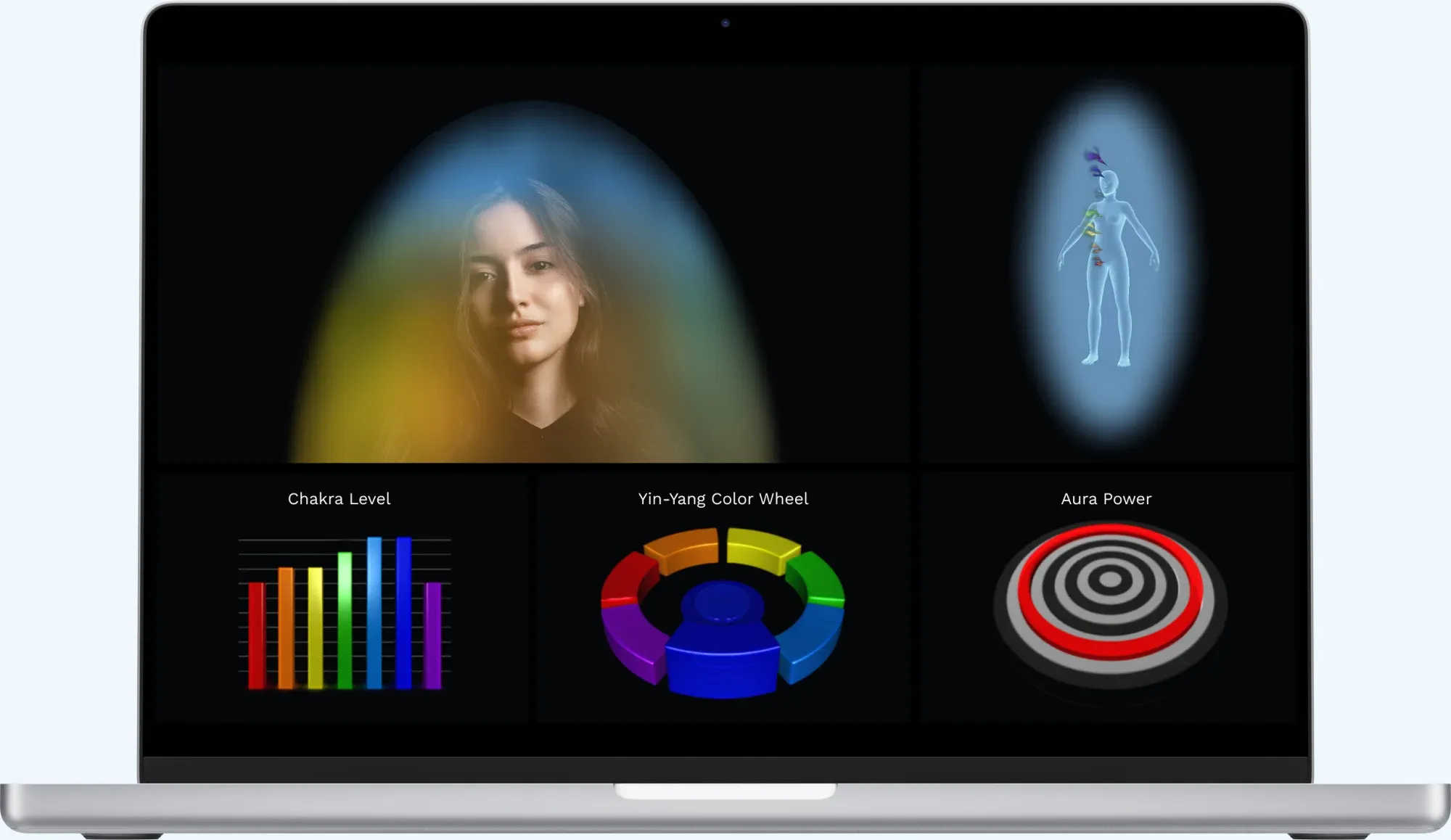
Computer not included.
Choose the workflow that fits
Start with the experience you want to offer, then compare equipment, software and ongoing requirements. A clear demonstration and written package details make the choice more practical.
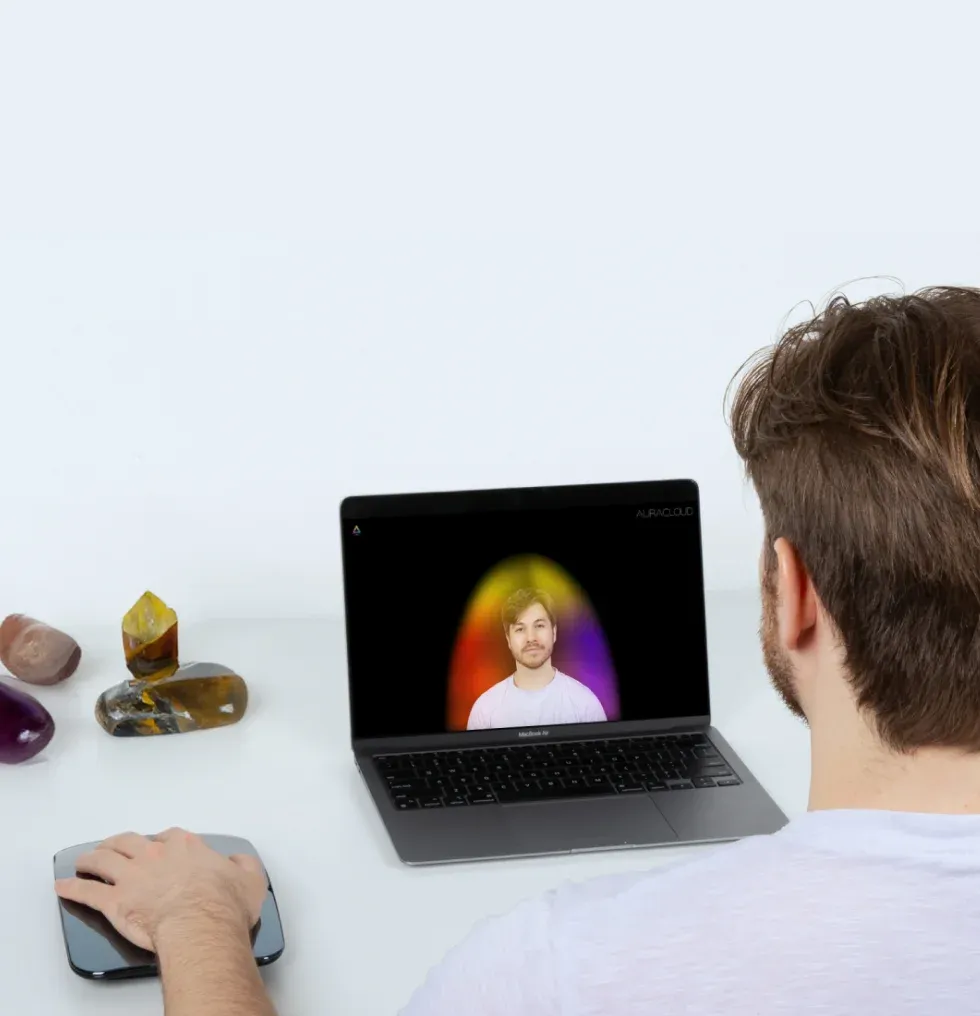
Plan the session
Compare the package

Explain the imagery
Explore AuraCloud® 3D options
Review AuraCloud® 3D configuration information when comparing aura systems. Confirm the available configuration before purchasing.
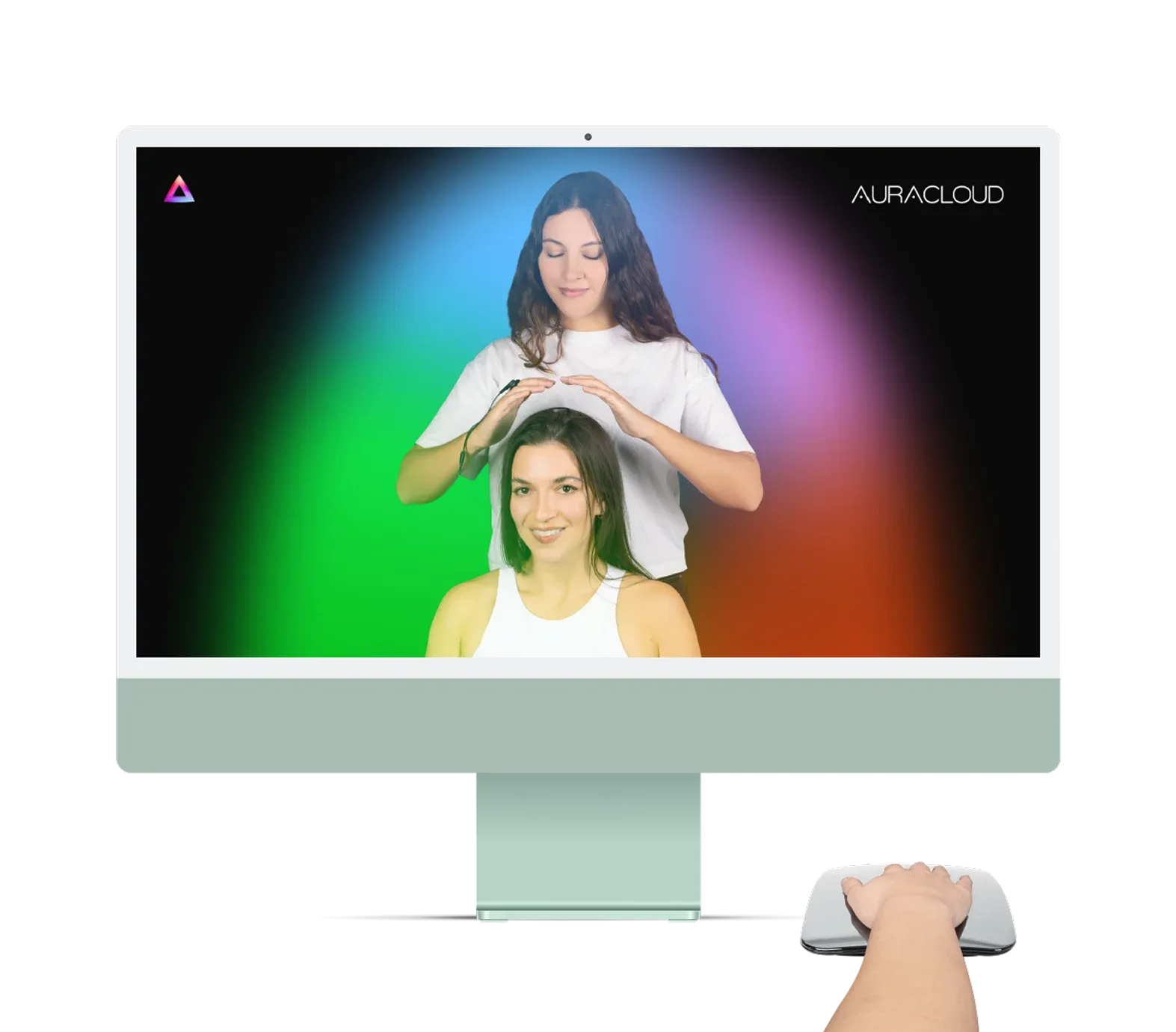
Computer not included.
AuraCloud® 3D Pro
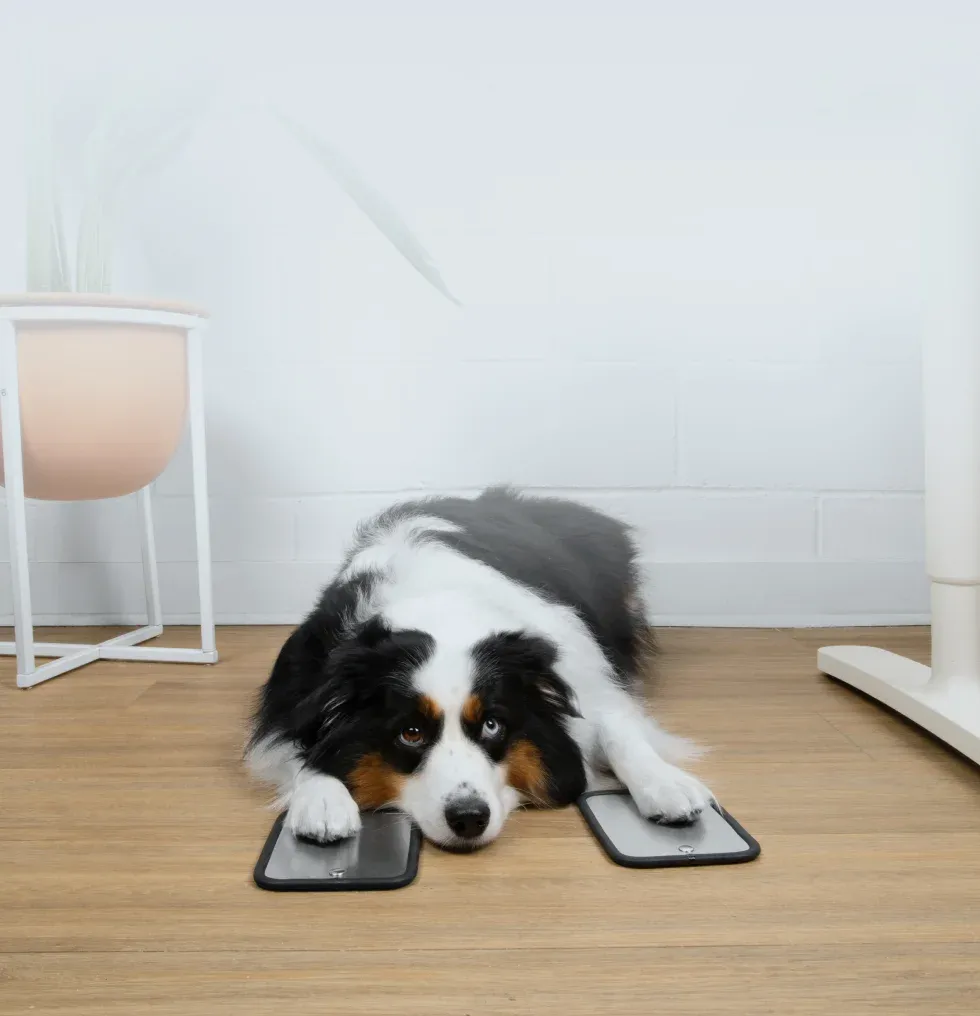
Explore animal visualizations with AuraPet and practitioner-and-client sessions with AuraHealer, alongside AuraVid, AuraSim, AuraGraph and AuraScript.
AuraVid, AuraSim, AuraGraph, AuraScript
AuraPet & AuraHealer
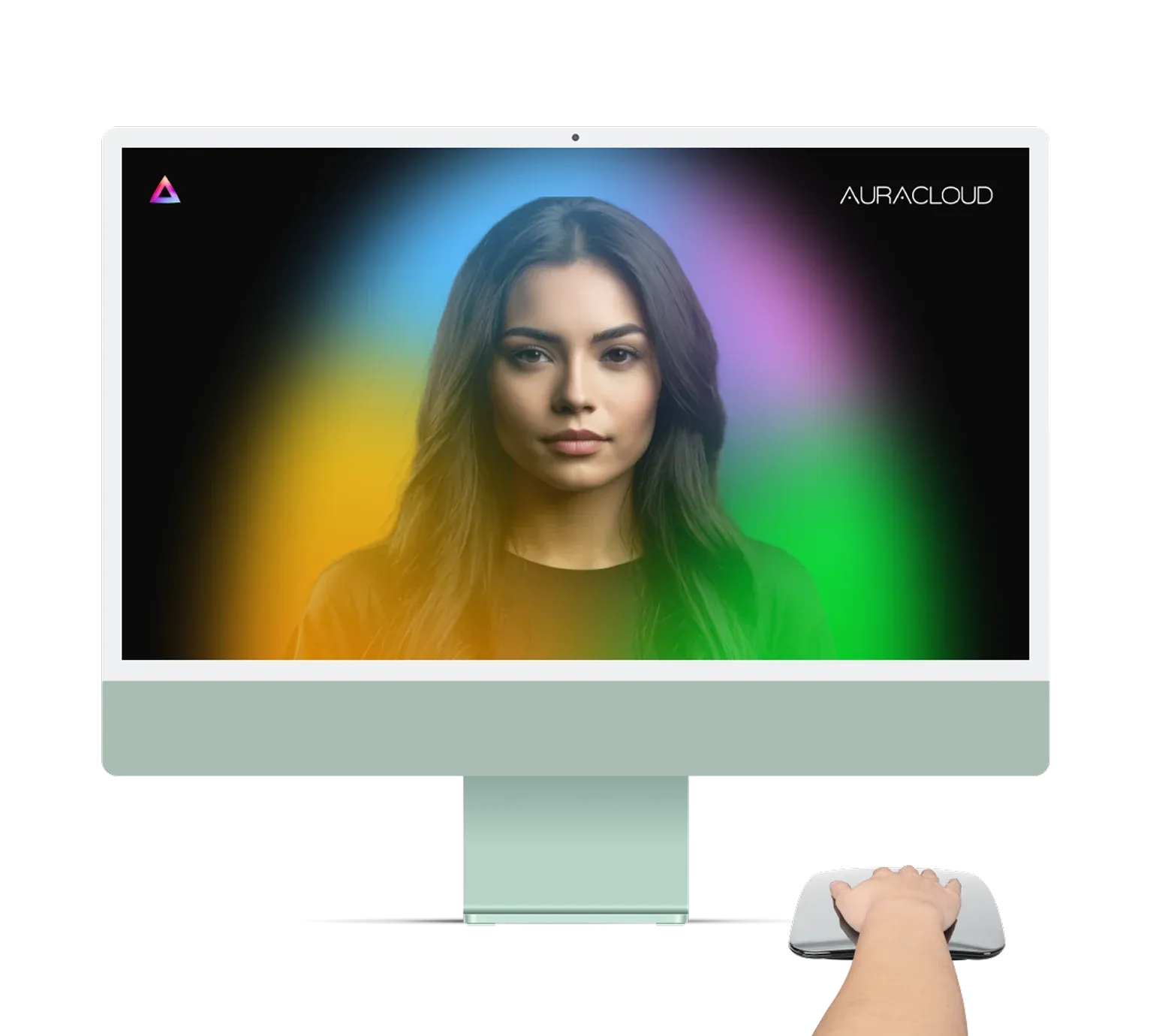
Computer not included.
AuraCloud® 3D Basic
Explore visual sessions with AuraVid, AuraSim, AuraGraph and AuraScript.
AuraVid, AuraSim, AuraGraph, AuraScript
Aura Systems for Wellness Businesses






Questions before choosing
Questions before choosing
The phrase can refer to different systems. Here it refers to Inneractive products for aura and chakra-style visual sessions, such as AuraCloud® 3D, not Kirlian or GDV cameras.
Compare the intended workflow with your venue, available space, operator time and package requirements. Walk through a session and list the practical questions you want answered.
Request an itemized quote for the exact configuration. Check included items and additional requirements, then compare the complete setup costs.
The systems create visual representations for an interpretive session. Aura and chakra meanings draw on metaphysical traditions, offering color associations to explore through conversation.
Describe the sessions you want to offer and request a comparison of available AuraCloud® 3D configurations and packages.
Ask about this product
Ask about product fit, the current package or setup requirements. Existing owners should identify their product and version when requesting help.