Choosing an Aura System for Your Wellness Business: A Practical Checklist
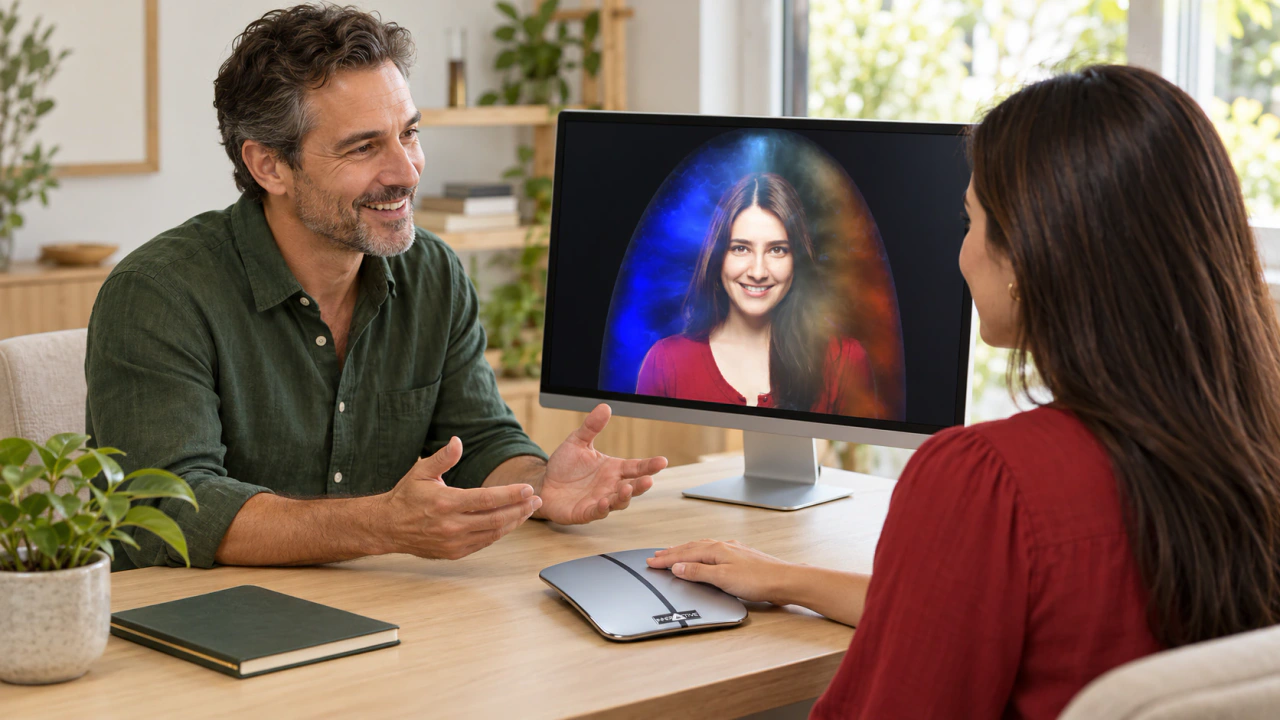
An aura system can give a wellness business a colorful focal point: something guests can see, explore and talk about together. The strongest starting point is a clear idea of the experience you want to offer. A thoughtful purchasing brief connects that idea to the software, workspace and support that will bring it to life.
This guide helps you turn a promising idea into an informed supplier conversation. Whether you run an independent studio, a small shop or an event business, begin with your audience and build the comparison around the work you actually want to do.
Define the place aura sessions will have in your business
Picture a typical guest arriving. Are they booking a dedicated appointment, discovering your business at an event or adding a visual conversation to an existing visit? Each format suggests a different welcome, pace and follow-up. Write a short description of that visit before choosing equipment.
Be specific about the experience you want to create. For example: a bookable, one-to-one visual session with time for questions, or an approachable demonstration that introduces visitors to your studio. This becomes the reference point for comparing packages. A good fit supports your intended format and leaves you confident explaining it to a guest.
Decide what your guests will explore
List the moments that matter during a session. You might want a shared view of the software display, a discussion of colors and their symbolic associations, or time for the participant to describe what catches their attention. Keep those moments in the guest's language rather than starting with a long feature list.
Then connect each moment to a question for the supplier. Which view supports that conversation? What does the operator control? Which output can be saved or shared in the quoted configuration? Ask for a demonstration of the exact product and edition you are considering so you can follow the process from beginning to end.
Compare software editions against your plan
Start with the product family, then compare editions within that family. On AuraMachine, AuraCloud® 3D Pro and AuraCloud® 3D Basic provide separate starting points for your review. Bring your proposed session format to the conversation and ask which configuration supports it.
Build a simple comparison with three columns: the part of your session, the feature you would use and the supplier's confirmed answer. Ask about the included software version, available views, export options, training and update arrangements. Treat a product name as the beginning of that discussion; the current written quotation should identify the configuration being offered.
If you plan to grow into another type of session later, describe it as a future requirement. Ask how that change would be handled and which additions would be needed. This helps you choose for today's work while keeping a useful picture of tomorrow's possibilities.
Plan a workspace that invites conversation
A successful layout gives both the operator and guest a comfortable view of the display. Sketch your proposed desk or session area and identify where each person will sit, where the computer will stand and how the sensor will be positioned according to the supplier's instructions. Include the space needed to welcome and depart without crowding the next guest.
Ask the supplier for current computer, camera, connection and installation requirements. Confirm which items are supplied and which you will provide. Use your own room measurements and existing equipment list to make those answers concrete. For an event setup, include transport, available work surfaces and the venue's access arrangements in the same brief.
The goal is a space that feels intentional. Consider screen visibility, ordinary room lighting, a tidy surface and a place for personal belongings. Small details can help the visual session feel like a natural part of your business rather than an improvised addition.
Give your team a repeatable session outline
Write a short operator outline with a welcome, an introduction to the equipment, the visual portion, a conversation and a clear finish. Use the supplier's training and product documentation for operating steps. Let your own hospitality shape the tone and questions around those steps.
Practice explaining the display in plain language. Separate how the software creates its visual presentation from the symbolic associations you choose to discuss. Open questions such as "Which color draws your attention?" give the guest a voice in the experience. Keep the session focused on exploration, creativity and personal reflection.
For a team, decide who prepares the station, who leads the conversation and who handles scheduling. A shared outline helps colleagues offer a consistent welcome while leaving room for their individual style. Review it after practice sessions and keep the version everyone uses easy to find.
Turn your idea into a focused quote request
Bring these details to the supplier:
- Your business setting and intended guest experience.
- The product family and editions you want to compare.
- Your computer and workspace details.
- The session views and saved outputs you want demonstrated.
- The training, installation and ongoing support you would like explained.
- Your preferred timing and the location where the system will be used.
Ask for an itemized quotation that identifies hardware, software, accessories, services and applicable terms. Keep the demonstration notes and confirmed answers with it. This gives you one clear reference for the decision and a useful starting point for installation.
Build an offering with a clear identity
Once you understand the configuration, return to your original guest experience. Choose a session name, describe what visitors will explore and decide how it fits your appointment menu or event presentation. Set your own pricing around that defined offering and your business plan, with a clear description of what is included.
The opportunity is to create something recognizable: a welcoming visual experience that reflects your business and gives guests a memorable conversation. Explore how an aura session works, compare the Pro and Basic options, and bring your checklist to a focused product discussion.